

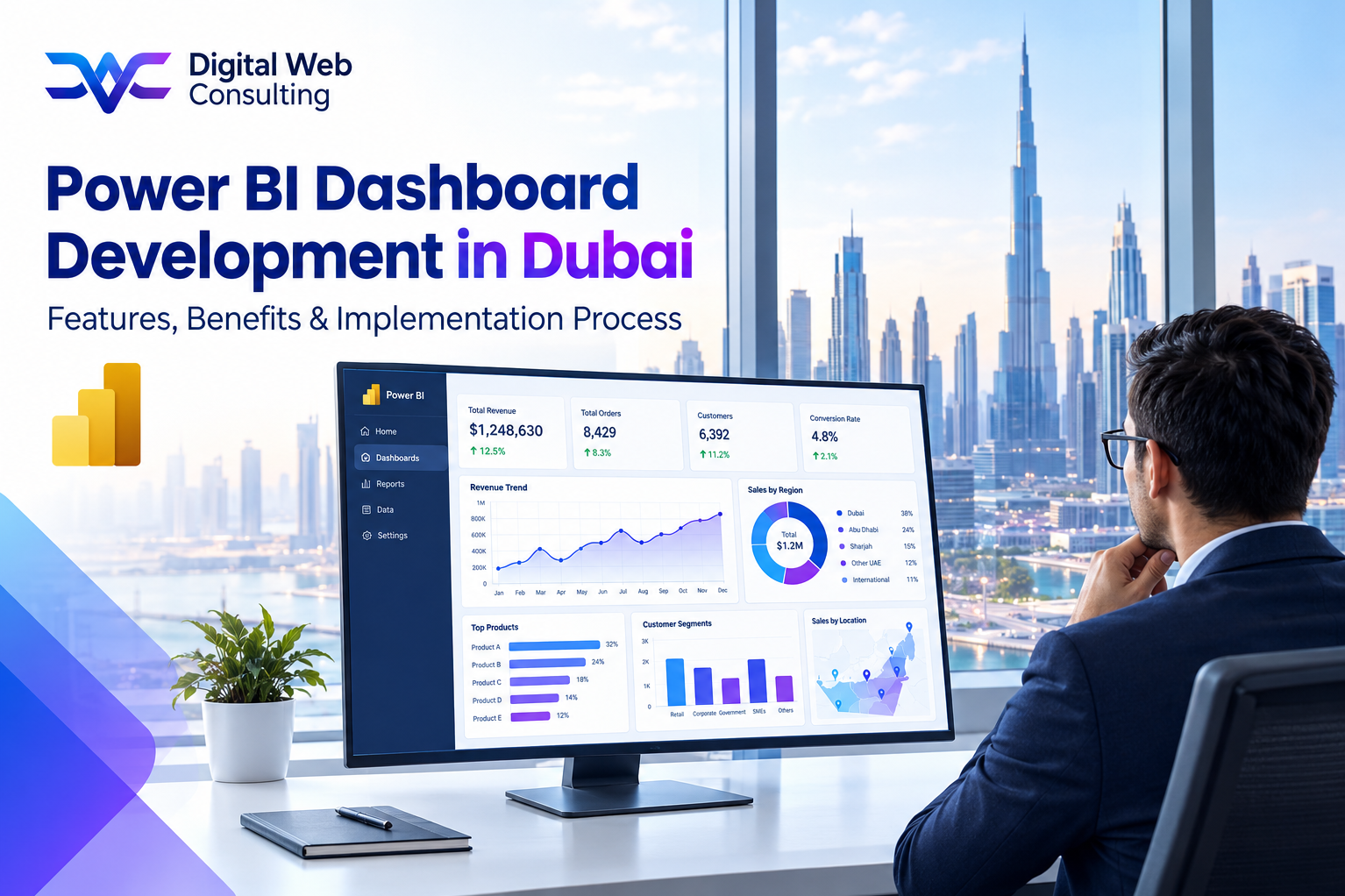
What a Power BI Dashboard Development Engagement Delivers
Power BI is the platform. Dashboard development is the work of turning a Dubai business's data into screens that leadership actually uses. The platform is the same for every business. What differs is how well it is connected to the business's data, how closely the dashboards follow the decisions the business makes, and how thoroughly the team is helped to adopt them.
Most material on this topic describes either the product's features or a generic project plan. A Dubai buyer needs both, plus the link between them: which features matter for a UAE business, what each one changes in daily operations, and what the implementation involves week by week, including what the business itself must provide. This guide covers those three things in order.
Power BI dashboard development services in Dubai typically take a business from scattered spreadsheets and disconnected systems to a live reporting environment in six to ten weeks for a multi-function scope.
A dashboard feature has no value of its own. Its value is the decision it improves or the manual task it removes.
Six Features That Matter Most for Dubai Businesses
Power BI contains dozens of capabilities. These six account for most of the value a Dubai business sees, and each one needs deliberate configuration rather than default settings.
Scheduled Data Refresh
Dashboards pull data from source systems on a schedule, so figures stay current without anyone exporting a file. Pro licences support up to eight scheduled refreshes per day, and Premium capacity supports more. The benefit is that the managing director opens the same screen every morning and sees the position as of that morning, not as of the last report someone compiled.
Drill-Down and Drill-Through
A headline figure such as monthly revenue can be broken down by customer, product, or salesperson with a click, and then down to individual invoices. The benefit is that questions which used to trigger a request to the finance team are answered in seconds by the person asking.
Row-Level Security
Different users see different slices of the same dashboard. A regional manager sees their region, a department head sees their department, and the managing director sees everything. The benefit is that one dashboard serves the whole business without exposing sensitive figures such as margins or payroll to the wrong audience.
Mobile Access
Dashboards can be opened on a phone or tablet through the Power BI mobile app, and a mobile layout can be designed so the most important figures are readable on a small screen. The benefit is that leadership can check the business position between meetings or while travelling, which suits the working pattern of many Dubai owners and directors.
Alerts and Microsoft Teams Integration
Power BI can send an alert when a figure crosses a threshold, such as receivables overdue beyond a set value or stock below a reorder level, and dashboards can be shared in Teams channels. The benefit is that the team is told about the exception instead of having to notice it.
A Governed Data Model With UAE Configuration
Behind the dashboards sits the data model, built with Power Query and DAX, which joins data from several systems and applies the business's definitions. For a UAE business this is where AED normalisation of multi-currency transactions, separation of VAT from revenue, and handling of Arabic text fields are configured. Arabic values can be displayed and filtered when encoding is handled correctly, although fully right-to-left report layouts need design care. The benefit is that every dashboard uses the same definition of revenue, margin, and tax, so the numbers agree across the business.
The Benefits These Features Produce for the Business
Features are the means. The benefits that Dubai businesses look for fall into four groups, and each can be observed and measured after go-live.
• Time recovered: Staff who previously compiled weekly and monthly reports spend that time on analysis and follow-up. The size of the saving depends on how much manual reporting exists today, so it should be estimated before the project starts.
• Faster, better-informed decisions: Cash position, pipeline, and stock are visible when the decision is made rather than after the next report cycle.
• One version of the numbers: Finance, sales, and operations stop disputing whose spreadsheet is right, because all three read from the same model.
• Earlier warning on problems: Overdue receivables, margin erosion, and slow-moving stock show up as they develop rather than at month end.
None of these benefits is automatic. They depend on accurate source data, dashboards designed around real decisions, and a team that uses the result, which is why the implementation process matters as much as the features.
The Implementation Process, Phase by Phase
A multi-function Power BI implementation for a Dubai business typically runs six to ten weeks. The phases below overlap slightly, and the timings are typical rather than fixed.
Phase One: Discovery and Decision Mapping (Weeks One and Two)
What happens: Each dashboard user describes the decisions they make most often and the information those decisions need. The output is a signed-off list of KPIs with calculation definitions.
What the business provides: Time from the managing director, the finance lead, and department heads, and honest descriptions of how reports are produced today.
Phase Two: Data Audit and Source Connection (Weeks Two and Three)
What happens: The team inspects each source system for completeness and consistency, documents quality problems, and agrees how each will be handled. Connections to the sources are established.
What the business provides: Read access to source systems, a named contact for each system, and decisions on fixing data at source versus handling it in the model.
Phase Three: Data Model Build (Weeks Three to Five)
What happens: The model is built to the agreed KPI definitions, with AED normalisation, VAT separation, and Arabic text handling configured and refresh schedules set.
What the business provides: Answers to definition questions, such as how margin or overdue is calculated, and review of test figures against known totals.
Phase Four: Dashboard Design and Build (Weeks Four to Seven)
What happens: Layouts are designed with the actual users, built, and refined over review rounds, including mobile layouts and role-based security.
What the business provides: Scheduled review sessions with the real users, not only the project sponsor, and prompt, specific feedback.
Phase Five: Testing and Acceptance (Weeks Seven and Eight)
What happens: Figures are reconciled against the source systems, security is tested by role, and refresh reliability is checked.
What the business provides: Finance sign-off that dashboard totals match the accounting records, and user acceptance against the agreed KPI list.
Phase Six: Go-Live, Training, and Support (Weeks Eight to Ten, then four weeks of support)
What happens: Users are trained by role, the dashboards go live, and the team resolves issues and measures usage during the support period.
What the business provides: Visible leadership use of the dashboards, a decision to retire the manual reports they replace, and quick escalation of problems.
Our Power BI Dashboard Development service follows this structure, with the business's responsibilities documented in the proposal alongside ours.
What Decides Whether the Implementation Succeeds
Three factors separate implementations that become part of daily management from those that fade after the first month.
• Data quality: Dashboards display whatever the source data says, so problems found in the audit must be resolved before launch, not after leadership has seen a wrong number.
• Decision-first design: Dashboards built around named decisions get used. Dashboards built around whatever data is available get admired once.
• Adoption: Retiring the old manual reports on a stated date, and measuring usage after go-live, is what turns a delivered project into a changed working habit.
For businesses that also need clean data flowing from an ERP or CRM into the reporting layer, our ERP Integration Services connect those systems before the model is built.
The features are available to every business on the same platform. The difference between a dashboard environment that is used daily and one that is quietly abandoned is almost always decided in discovery, the data audit, and adoption, not in the software.
From Features to a Working Reporting Environment
Power BI offers live refresh, drill-down, role-based security, mobile access, alerts, and a governed data model. For a Dubai business, the value of each depends on how it is configured for UAE currency, VAT, and language requirements, and on whether the dashboards follow the decisions the business actually makes.
Power BI dashboard development services in Dubai deliver that value through a structured process: decision mapping, a data audit, a purpose-built model, user-reviewed dashboards, rigorous testing, and supported adoption. A business that understands the process, and its own part in it, can start the engagement knowing what the first ten weeks will look like and what it should have at the end of them.
Ready to see how this process would apply to your Dubai business and its data? Start the conversation with Digital Web Consulting through our Power BI Dashboard Development Services page
[power bi dashboard development services in Dubai , Power BI services Dubai , Power BI development company Dubai , Microsoft Power BI Dubai ]