

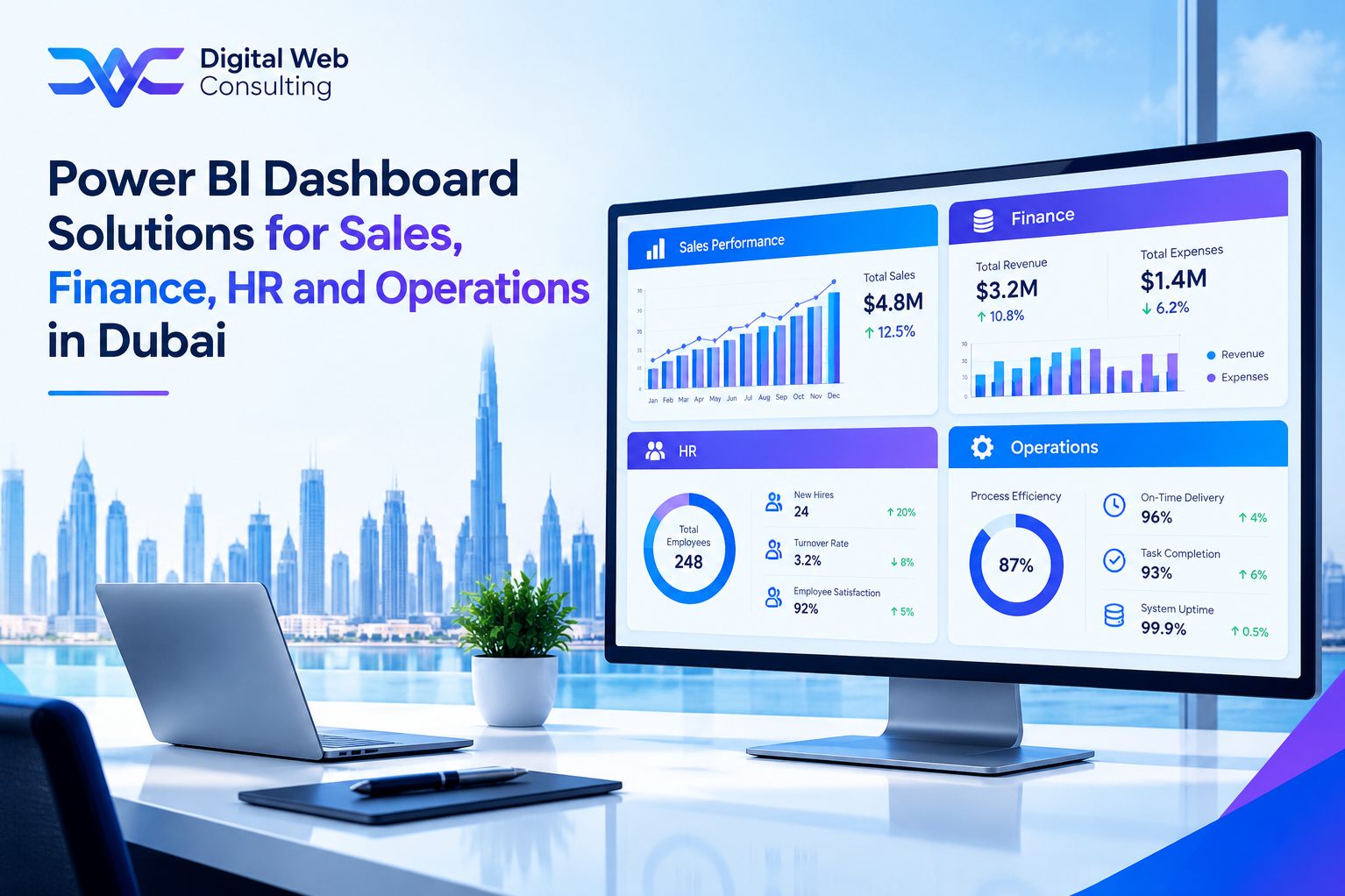
Why Function-Specific Dashboards Work Better Than One Big Dashboard
A common first request is for one dashboard that shows everything. In practice such a dashboard satisfies nobody. A sales director wants to know about pipeline and win rates, a finance director about cash and receivables, an HR manager about headcount and expiry dates, and an operations manager about stock and delivery. Each group asks different questions, uses different data, and checks the numbers at different times.
Function-specific dashboards, built on one shared data model, give each group a view designed around its own decisions while keeping the underlying figures consistent. This guide describes the four most requested sets for Dubai businesses: sales, finance, HR, and operations. For each it sets out the questions answered, the measures usually included, the data drawn on, and the UAE-specific points to get right.
Power BI dashboard development services in Dubai are most effective when each function's dashboards are designed with the people who will use them, not copied from a template.
A dashboard that tries to serve everyone usually serves no one. Start with the questions one group asks every week.
Four Functions, Four Dashboard Sets
The lists below are typical starting points, not fixed templates. Each business should confirm the questions and definitions with the people who will use the dashboards.
Sales Dashboards
Questions it answers: Will we hit target this quarter? Which deals need attention? Which customers and products produce the most revenue?
Typical measures: Pipeline value by stage, win rate, average deal size, sales cycle length, revenue against target, and the share of revenue from the largest customers.
Data it draws on: The CRM, the quoting tool, and the accounting system for invoiced revenue.
UAE points to get right: Revenue shown in AED with foreign currency deals converted under an agreed rate, and customer names matched across Arabic and English spellings.
Finance Dashboards
Questions it answers: How much cash do we have and need? Who owes us money? Are we on budget?
Typical measures: Cash position and short-term forecast, receivables ageing, payables due, revenue and margin against budget, and the VAT position for the quarter.
Data it draws on: The accounting or ERP system, bank feeds, and budget files.
UAE points to get right: VAT shown separately from revenue, multi-currency balances consolidated to AED, and period definitions that match the business's fiscal calendar.
HR Dashboards
Questions it answers: Do we have the right people in the right roles? What is payroll costing against plan? Which documents are about to expire?
Typical measures: Headcount by department, turnover, absence and leave, time to hire, payroll cost against budget, and upcoming visa, Emirates ID, and contract expiry dates.
Data it draws on: The HR system, the payroll system, and attendance records.
UAE points to get right: Residence visa and Emirates ID expiry tracking, end-of-service gratuity accruals, and Emiratisation requirements where they apply, which vary by company size and sector, so confirm current rules.
Operations Dashboards
Questions it answers: Can we fulfil what we have promised? Where are delays and costs building up? Which suppliers perform well?
Typical measures: Stock levels and turnover, order fulfilment rate, on-time delivery, supplier lead time and quality, and cost per order or per delivery.
Data it draws on: The ERP or inventory system, warehouse and logistics tools, and purchasing records.
UAE points to get right: Costs and prices consolidated to AED across multi-currency purchasing, and public holiday and working-week calendars reflected in delivery measures.
What Connects the Four Functions
Separate dashboards share one model. That lets the business build views that cross function boundaries and would be impossible from four separate reports.
• Shared dimensions: Date, department, customer, product, and legal entity are defined once, so that figures from different functions line up.
• Revenue per employee: Finance revenue combined with HR headcount shows how productivity changes as the business grows.
• Forecast against capacity: The sales pipeline combined with operations capacity shows whether the business can deliver what it expects to win.
• Payroll against revenue: HR payroll cost set against finance revenue and margin shows whether staffing costs are in line with income.
• Executive summary: One page draws the few most important measures from all four functions for leadership.
A Hypothetical Cross-Function Insight
The scenario below is hypothetical. A Dubai logistics company builds the four dashboard sets on one model and adds an executive summary page. Within weeks the summary shows the sales pipeline growing faster than operations capacity, while on-time delivery has begun to slip and payroll cost per order is rising.
None of the four separate dashboards would have shown the pattern on its own. Seen together, the figures lead the sales director and the operations head to agree on a hiring plan and a limit on new large orders until capacity catches up. The value came from the shared model, not from any single chart.
Who Should See What
Functions differ in sensitivity. Sales and operations figures can usually be shared widely, while payroll, individual salaries, and personal employee records must be restricted. Power BI supports row-level security, which limits each user to the data they are entitled to see, but the rules must be agreed with the business before configuration, not decided afterwards.
Employee data is personal data, and UAE data protection rules apply to it, so confirm the requirements with legal counsel before building HR dashboards. A sensible default is to show HR leaders aggregated figures and to restrict named individual records to the smallest possible group.
• Write the access policy first: Decide who sees which function's data and at what level of detail.
• Test by role: Sign in as users from each role before go-live to confirm that they see only what they should.
• Review regularly: Update access when people join, change roles, or leave.
Design Rules That Apply to Every Function
• One main question per page: Each page should answer the question its user asks first, with the most important figure given the most prominence.
• Consistent definitions: A measure such as margin or overdue means the same thing on every page and in every function.
• Sensible default filters: Pages open on the period and grouping the user needs most often, so that they do not have to set filters each time.
• Drill-down for follow-up questions: Users can move from a headline figure to the detail behind it without asking someone else.
• A mobile layout for leaders: The few measures leadership checks between meetings are readable on a phone.
Questions to Ask Each Function Head Before Design Starts
These questions, asked in a short interview with each function head, shape the dashboards more reliably than a list of available data.
• What decision do you make most often?: The answer sets the main question of the first page.
• What do you check every week?: Weekly checks are usually the measures that belong at the top.
• What do you rebuild by hand?: Manual workarounds show where the standard figures do not fit.
• Who else needs to see this?: The answer sets the roles and the access rules.
• What must never be shown to others?: The answer identifies the restrictions to build in from the start.
Where to Start
Building all four sets at once is rarely wise. Pick the function with the strongest pain and the cleanest data, which is often finance or sales, prove the approach there, and extend to the others using the same model. HR dashboards are often added later because they need the most careful access rules, but they can be quick to deliver when payroll and HR data are already well organised.
Our Power BI Dashboard Development service builds function-specific dashboards on a shared model, and our Power BI Consulting Services can help choose the order in which to build them.
One Model, Four Views
Sales, finance, HR, and operations each need dashboards built around their own questions, and each needs the same trusted numbers underneath. A shared model gives the business consistent figures, role-based views, and cross-function insight that separate reports cannot provide.
Power BI dashboard development services in Dubai deliver the most value when they start with one function, respect UAE-specific requirements, and extend as the first dashboards prove their worth. A useful first step is to ask the head of each function for the three questions they ask most often and see which are hardest to answer today.
Ready to plan dashboards for your sales, finance, HR, and operations teams? Start the conversation with Digital Web Consulting through our Power BI Dashboard Development Services page
[power bi dashboard development services in Dubai , Power BI services Dubai , Power BI development company Dubai , Microsoft Power BI Dubai]